First launch
These builds are not code-signed yet
On macOS, right-click Hisaab and choose Open the first time. On Windows, choose More info, then Run anyway. Checksums for every file are in SHA256SUMS.txt.

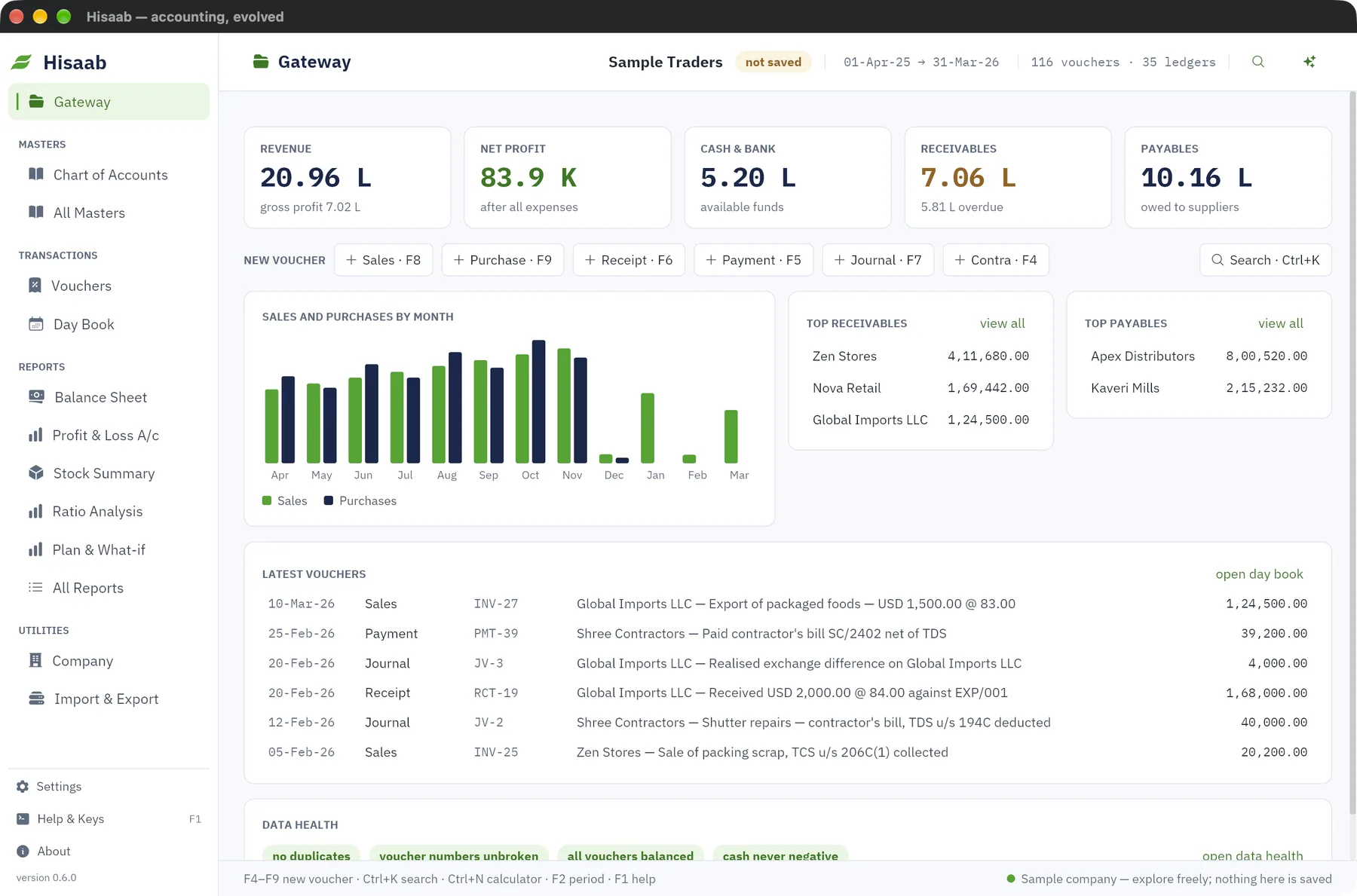
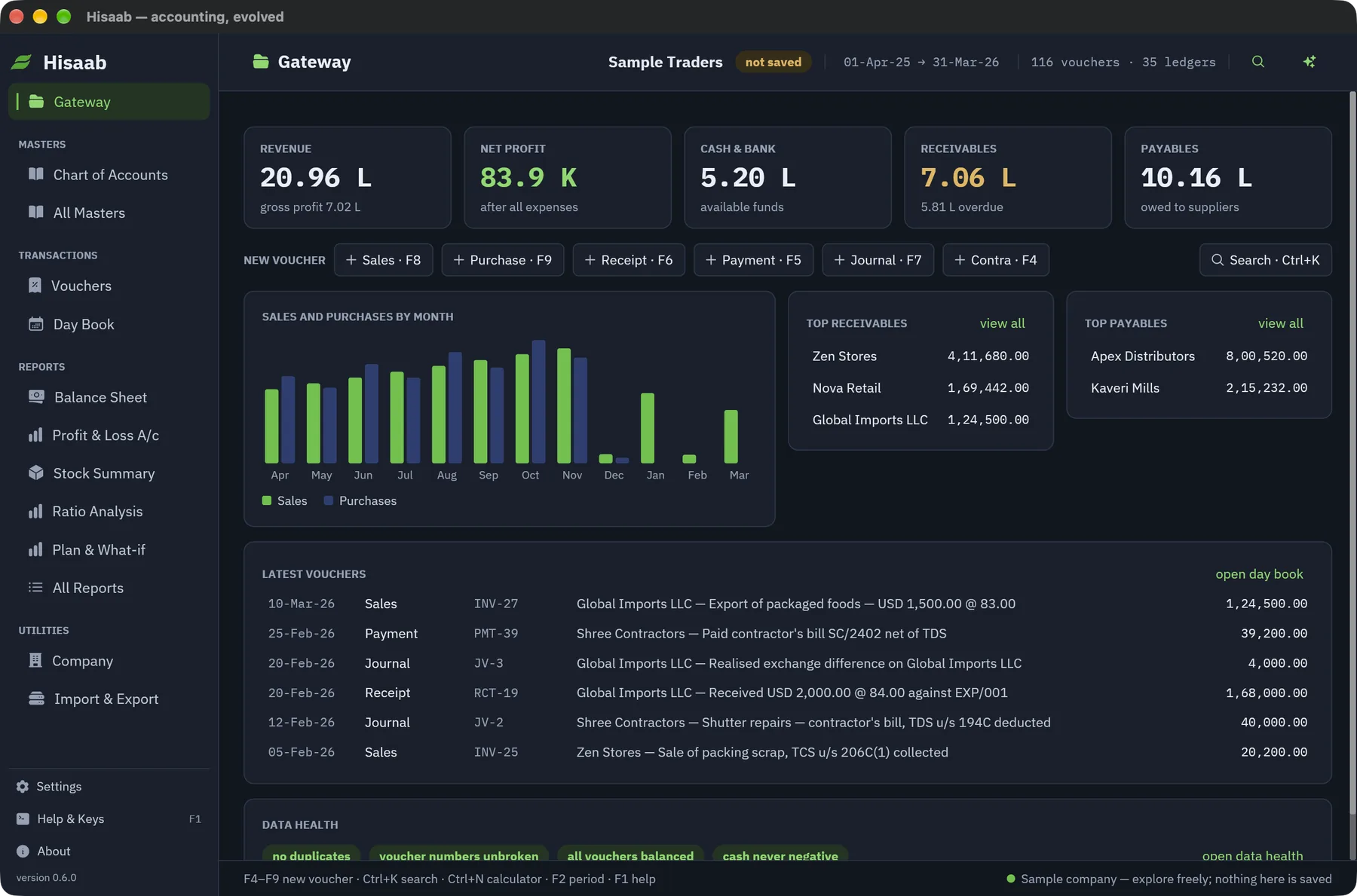
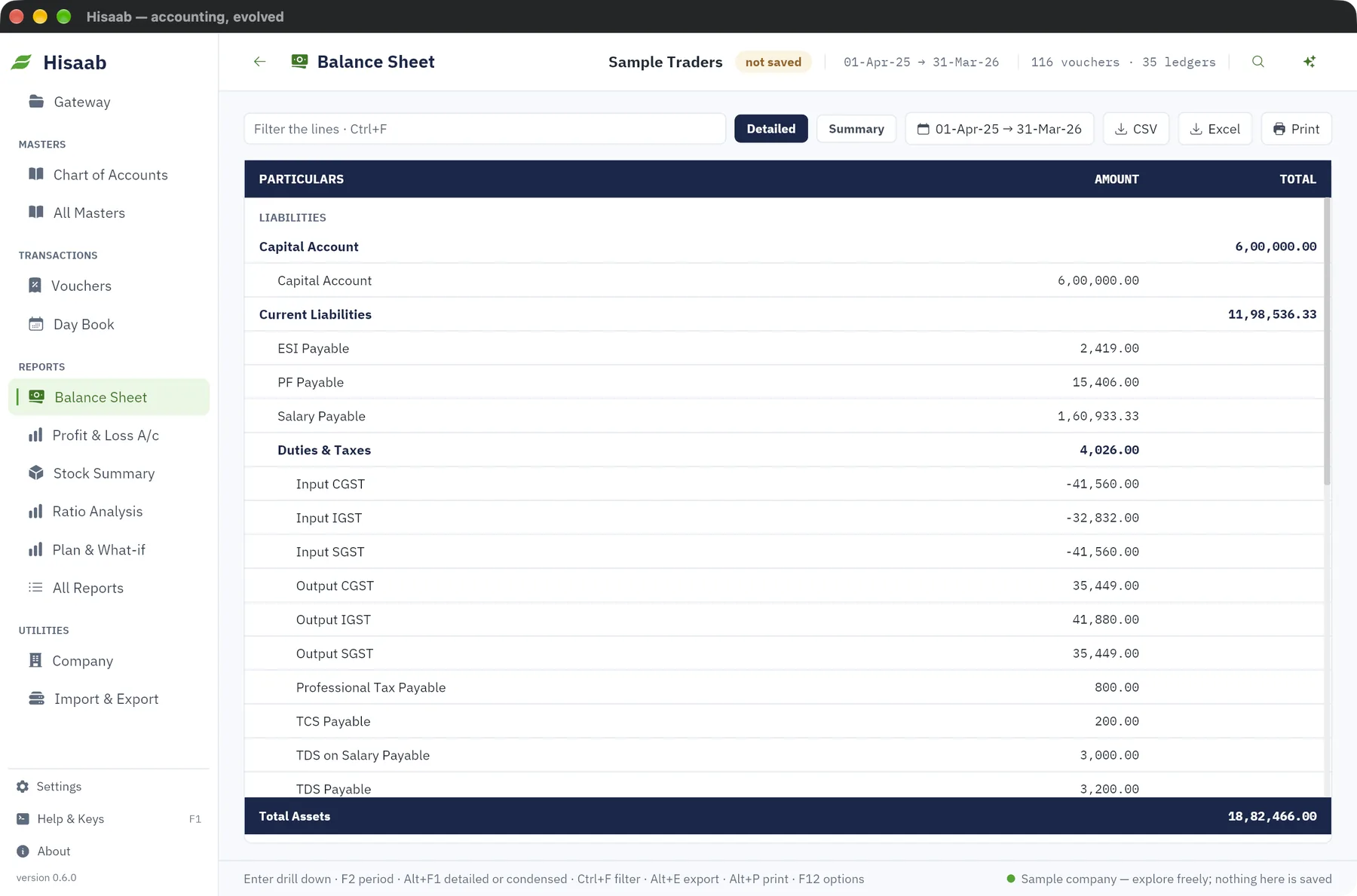
Vouchers, GST, stock, payroll and 39 reports in one fast desktop app. The keys and report layouts are the ones accountants have used for twenty years. The slow parts are gone.
Drag a lever below
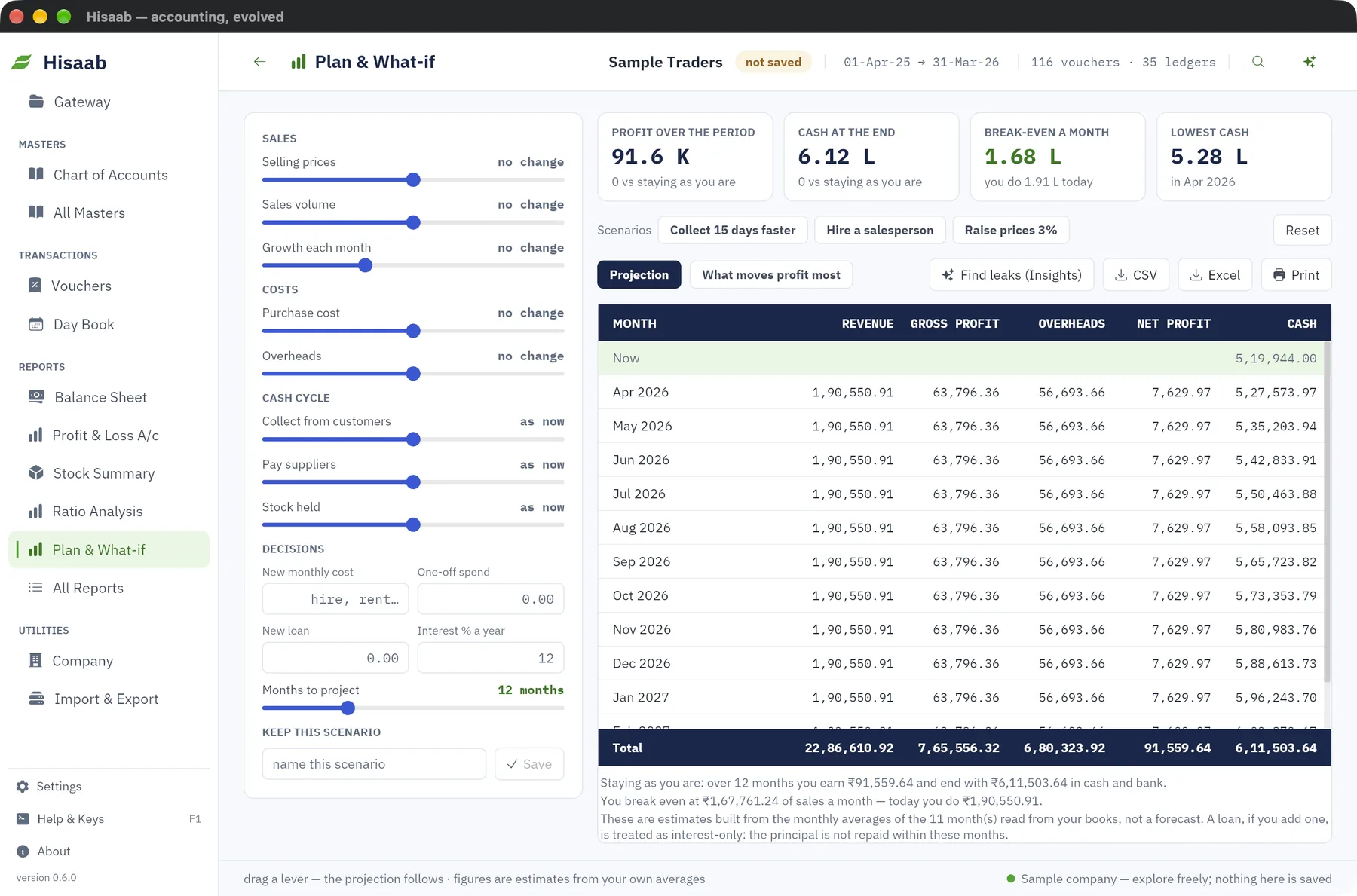
Move a lever and the next twelve months redraw: profit, cash at the end, and the sales you need to break even. In the app the figures start from your own monthly averages, so there is nothing to set up.
Selling prices, volume, monthly growth, purchase cost, overheads, days to collect, days to pay, stock held, and the months to project.
Add a hire, a rent, a one-off spend or a loan with its interest rate, and see what it does to cash month by month. Save the scenario and come back to it.
Insights reads the books for late-paying customers, slow stock, spending over budget, expense spikes and sales that lean on one customer, each with an estimated yearly cost.
New in 0.6
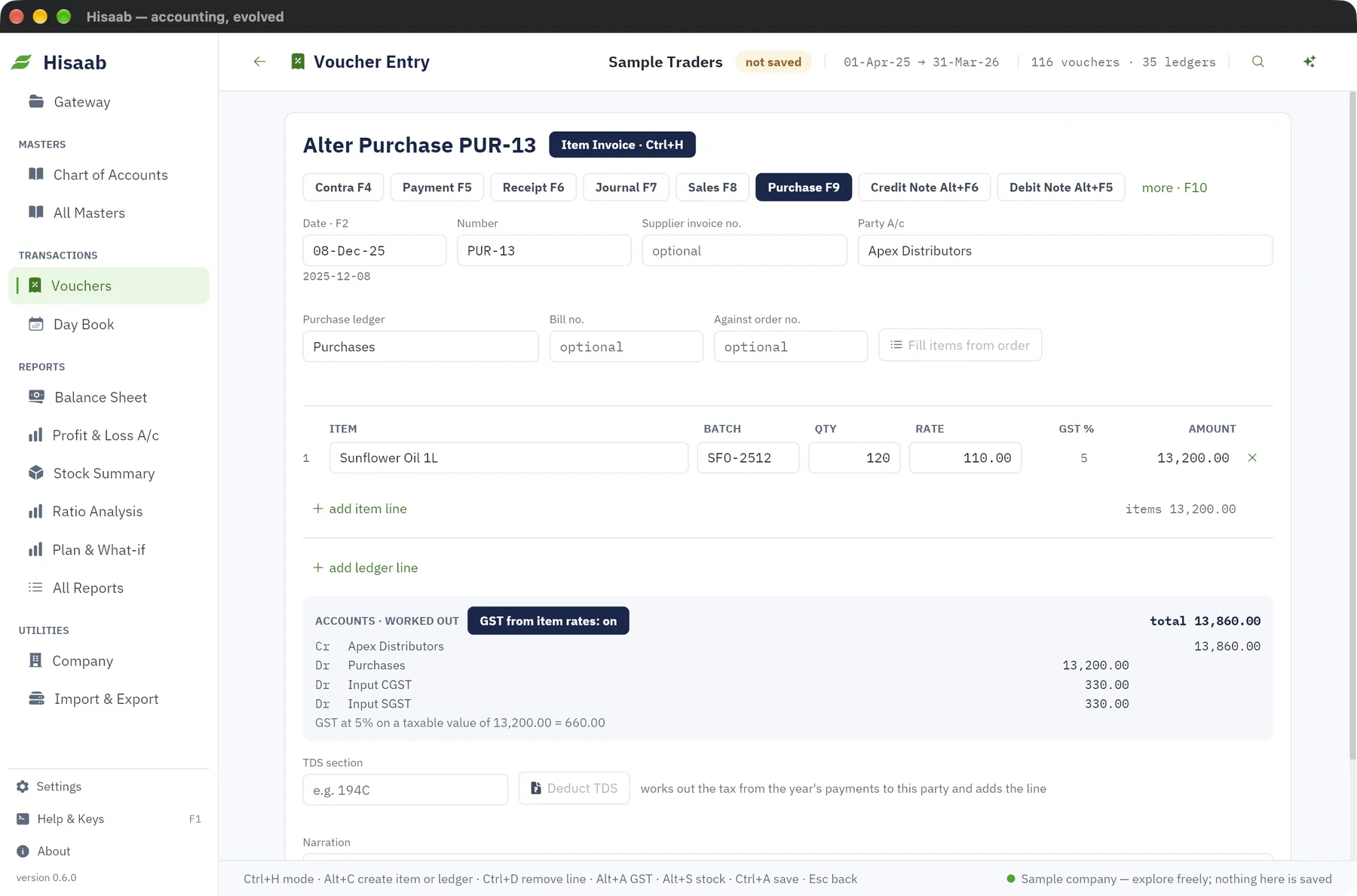
Sales and purchases open as an item invoice and work out the accounts and GST themselves. Ctrl+H switches to accounting invoice or plain voucher.
Photograph a purchase bill and get a draft voucher to check and save. Uses the AI key you add in Settings.
Open WhatsApp with the customer and the invoice details filled in. Payment reminders from Receivables too.
Encrypted on your computer before it leaves. A cloud code brings the books back on another computer. Needs a cloud key.
A private link shows sales, profit, cash and who owes you, wherever you are. Needs a cloud key.
Hisaab checks for a new version, downloads the installer for your computer and verifies it before you open it.
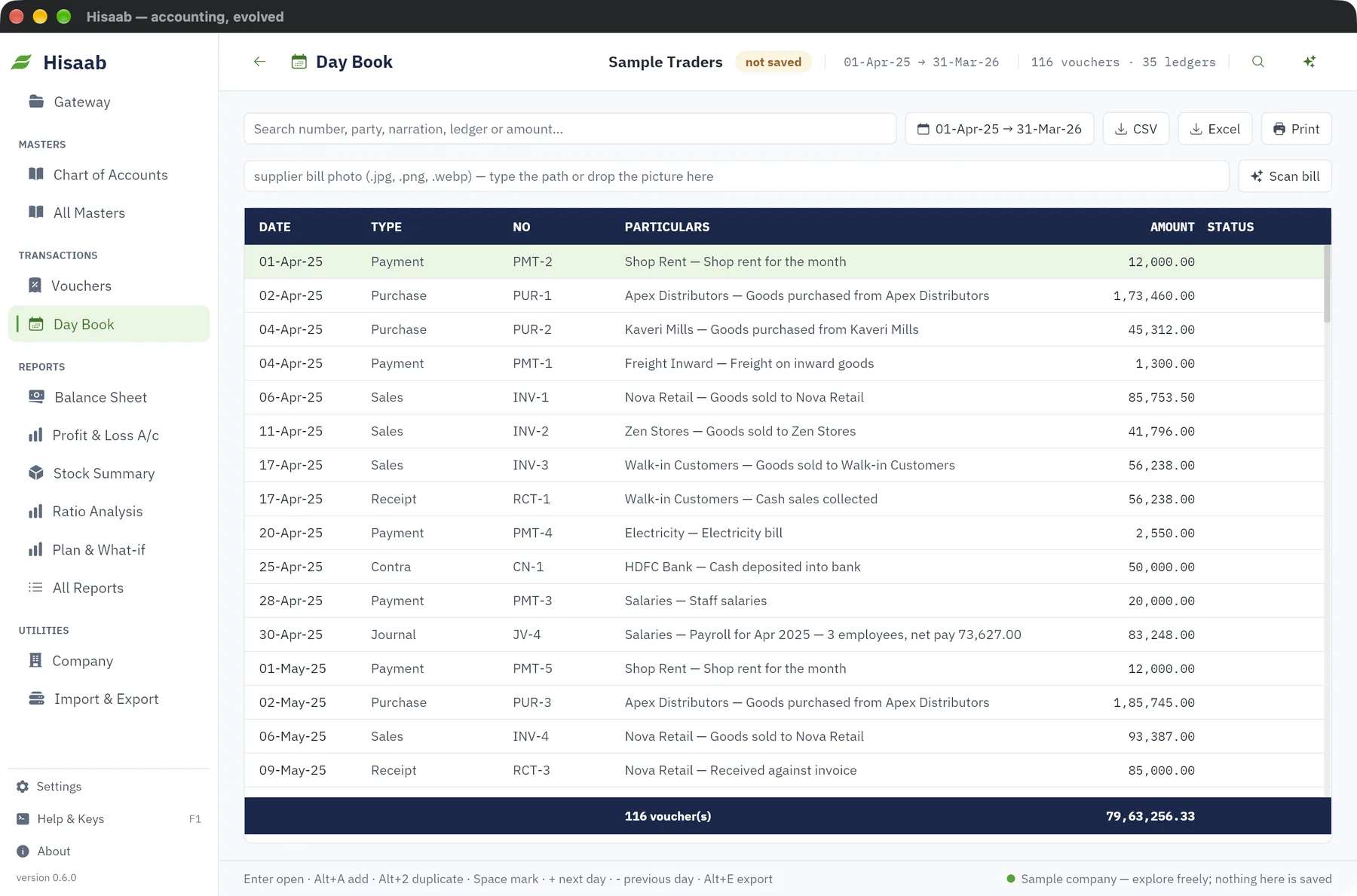
The function keys and the entry shortcuts are where you expect them, and they work while you are typing in a voucher. Every action is also a click away, Ctrl+K finds any screen, ledger or report by name, and F1 lists every key.
Import masters and vouchers from a legacy XML export, CSV or Excel. Setup asks three short questions and prepares ledgers, GST and opening balances.
Open a trading company with a full year of data and explore every screen. Nothing you do there is saved.
One small download, about 6 MB. Tell us where to send the link. Your books stay on your computer.
On macOS, right-click Hisaab and choose Open the first time. On Windows, choose More info, then Run anyway. Checksums for every file are in SHA256SUMS.txt.
Every report in the app is available from the terminal, for scripts and scheduled jobs.
Coming soon
Today Hisaab prepares the e-invoice and e-way bill files and you upload them yourself. Next, paid plans send them for you and bring the invoice reference number and signed QR code straight back onto the invoice.
Enter it the way you do now. Nothing extra to fill in.
Through a licensed GST Suvidha Provider. Cancel and e-way bill from the same screen.
Saved with the voucher and printed, ready to hand to the customer.
Excel and CSV statements already turn into receipts and payments. PDF statements are next.
Ask it to find a voucher, open a report or draft an entry. It shows you the result and never saves without you.
Save and file GSTR-1 without opening the portal, with the one-time code on your phone.
No. Vouchers, the Day Book, Dr and Cr, report layouts and the function keys are where you expect them. What changes is speed, search, and how little you have to type.
Yes. Hisaab imports masters and vouchers from a legacy XML export, and from CSV or Excel files. Set up the company first, then import.
On your own computer. Every entry is appended to a journal with a checksum, so a power cut cannot leave half a voucher behind. Backups and the edit log are built in, and a company can be locked with a password.
Yes. Users & access gives each person a role, and a lock stops two people from writing to the same company at the same moment.
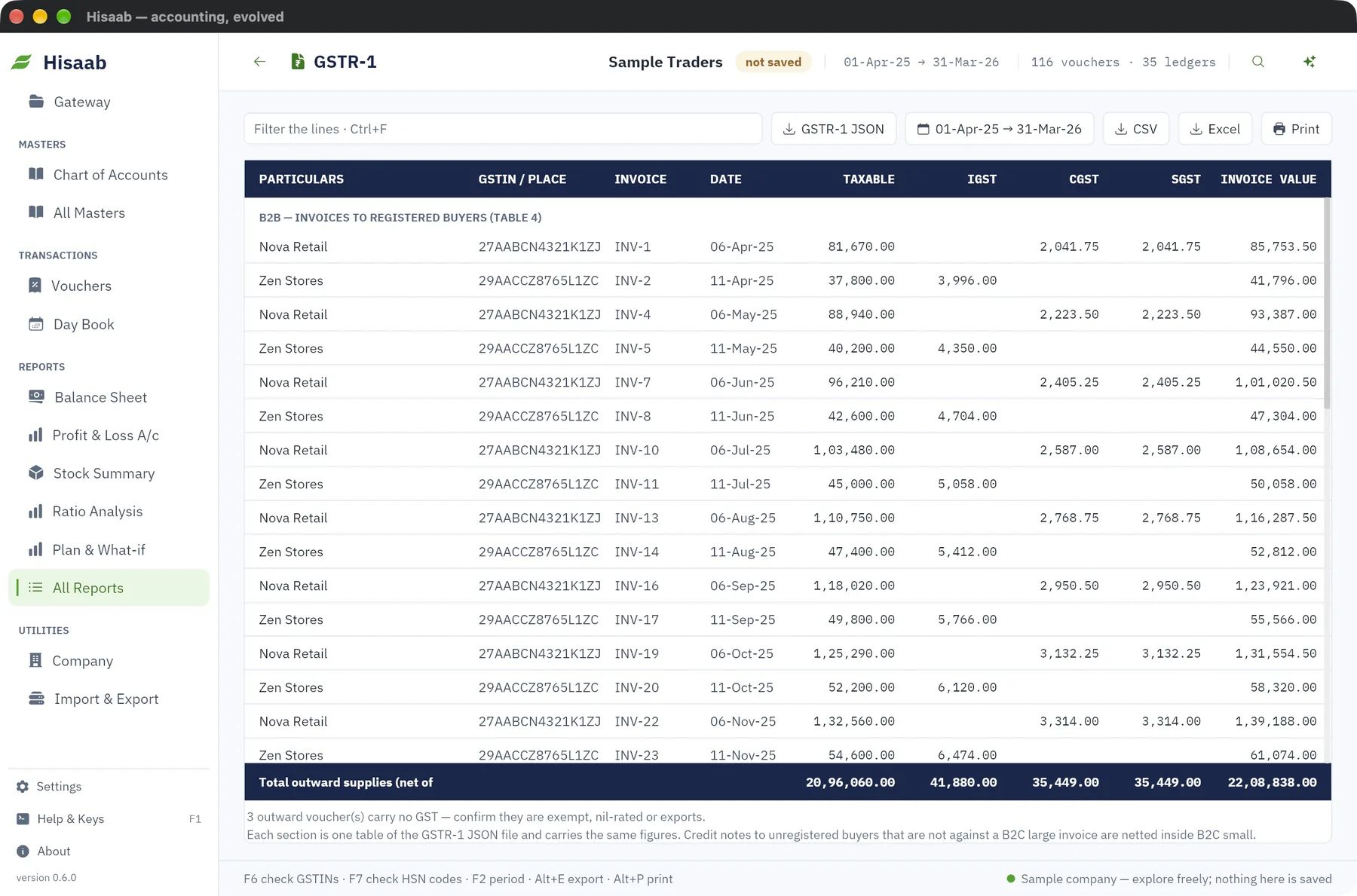
GST with GSTR-1, e-invoice and e-way bill files, and payroll with provident fund, ESI and professional tax. Check the prepared files with your tax practitioner before your first upload, as you would with any new package.
No. Hisaab runs fully offline. Only the optional assistant goes online, and only after you add your own AI key.
You will know in five minutes whether it fits the way you work.